Project Management Tools for Beginners
Confused about the best project management tools for beginners among the myriad of options available out there? Then let’s do the ground work together.
Mastering Project Management Tools for Beginners can be the secret weapon you didn’t know you needed to bring order, clarity, and speed to your work.
Whether you’re stepping into project management for the first time or taking on a new role that demands better organisation, the right tools will help you keep every task, deadline, and update in perfect sync.
Now: imagine having a digital assistant that tracks your progress, helps you collaborate with your team, and keeps everyone moving toward the same goal without the chaos. Sounds good, right?
But here’s the kicker: with so many options out there, choosing the best project management tools for beginners can feel overwhelming. That’s why, in this post, we will examine the most beginner-friendly project management software, show you how to use them effectively, and share insider tips from my own experience so you can start managing projects like a pro from day one.
What Are Project Management Tools and Why They Matter for Beginners
Project management tools are digital platforms or apps designed to help individuals and teams plan, track, and complete projects efficiently. At their core, they serve as a central hub for task assignments, scheduling, file sharing, and progress monitoring.
For beginners, these tools remove the guesswork from project execution. Instead of juggling multiple spreadsheets, sticky notes, and email threads, you get a single dashboard where every detail lives.
The Project Management Institute (PMI) notes that organisations using structured project management approaches are 28% more likely to meet project goals. That’s a huge win for new project managers trying to make their mark.
The best project management tools for beginners, like ClickUp, Trello, and Asana, go a step further by being visually intuitive and easy to navigate, even if you’ve never managed a project before.
How They Help Beginners Organise and Deliver Projects
Here’s the deal: starting a new project without the right system can quickly lead to missed deadlines, duplicated work, or frustrated team members. Beginner-friendly project management software ensures every step from assigning tasks to delivering results is mapped out clearly.
For example, Wrike found in its productivity survey that 85% of employees lose time each week searching for information. Easy project management tools eliminate that wasted effort by giving you instant access to files, updates, and timelines.
Here’s what you gain when you use project tracking tools for beginners:
- Clarity: Every task has a clear owner and deadline.
- Accountability: Progress is visible to everyone, so nothing slips through the cracks.
- Collaboration: Project collaboration tools keep your team aligned, whether you’re in the same office or working remotely.
- Efficiency: Automation features in some project management apps for small teams help reduce repetitive admin work.
The bottom line? If you’re a new project manager, task management tools for new project managers aren’t just “nice to have” they’re essential for building credibility and delivering consistently successful outcomes.
Also Read:
- Uncommon Marketing Job Titles and Career Paths to Lookout For
- How to Research UK Employers Before an Interview
Key Features to Look for in Beginner-Friendly Project Management Tools
Here are a few pointers to look out for when picking out one of the project management tools for beginners
Easy-to-Use Interface and Simple Navigation
When you’re starting out, the last thing you want is to spend hours figuring out how to use your tool. Beginner-friendly project management software should have a clean, intuitive interface that feels natural even if you’ve never managed a project before.
Statista reports that 52% of employees believe ease of use is the most important factor when choosing workplace software. That’s because a steep learning curve can stall progress and frustrate both you and your team.
Easy project management tools like Trello for beginners use drag-and-drop boards to make task updates simple. Similarly, Asana’s beginner guide layout allows you to switch between list, board, and calendar views instantly helping you visualise deadlines without confusion.
Look: if your software requires hours of training before you can assign a task, it’s not the right fit for new project managers.
Collaboration and Task Tracking Capabilities
Project collaboration tools are the lifeline of any team effort, especially when you’re learning the ropes. They let you assign roles, set priorities, and keep everyone on the same page literally.
According to McKinsey & Company, improving team communication with collaborative tools can increase productivity by up to 25%. This is where project tracking tools for beginners really shine, giving you real-time updates on who’s doing what and when it’s due.
Task management tools for new project managers also offer automation for reminders and status updates, so you don’t have to chase people down for progress reports. And if you’re managing a small team, project management apps for small teams like ClickUp or Monday.com make it easy to collaborate without overwhelming your workspace.
But here’s the kicker: having strong collaboration and tracking features from day one not only helps you deliver projects on time, it also builds trust with your team and stakeholders.
Also Read:
Best Project Management Tools for Beginners in 2025
Trello – Visual Task Management for Small Teams
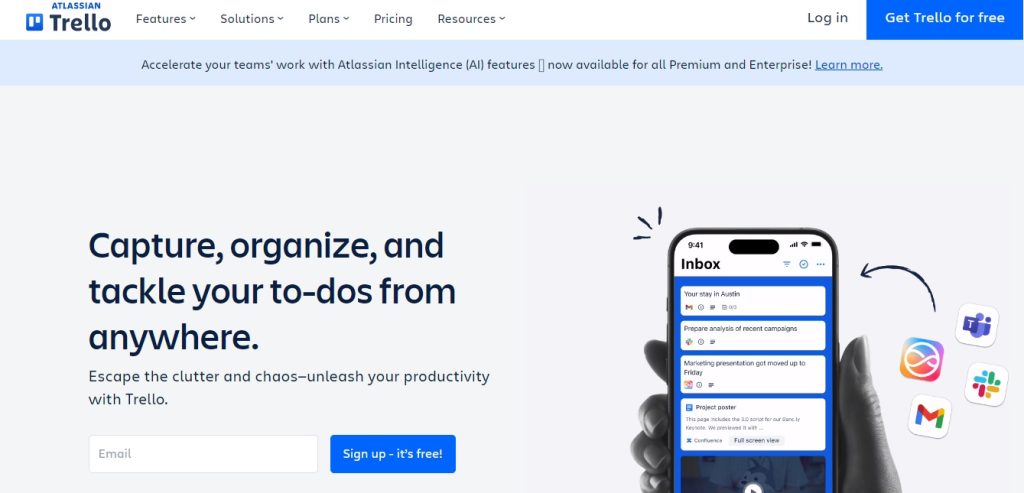
Trello for beginners remains a top choice for visual thinkers. Its card-and-board system allows you to organise projects in a way that feels more like arranging sticky notes than learning new software. This makes it one of the most easy project management tools for small teams just starting out.
Atlassian, Trello’s parent company, reports that teams using visual project boards experience a 30% faster project completion rate due to better workflow visibility. That’s a significant boost for new project managers eager to prove themselves.
Here’s how beginners often use Trello:
- Create a board for each project.
- Break work into task cards.
- Move cards between “To Do,” “Doing,” and “Done” columns.
The bottom line? Trello combines project tracking tools for beginners with a clean interface that’s almost impossible to get wrong.
Asana – Simple to Advanced Task Organisation
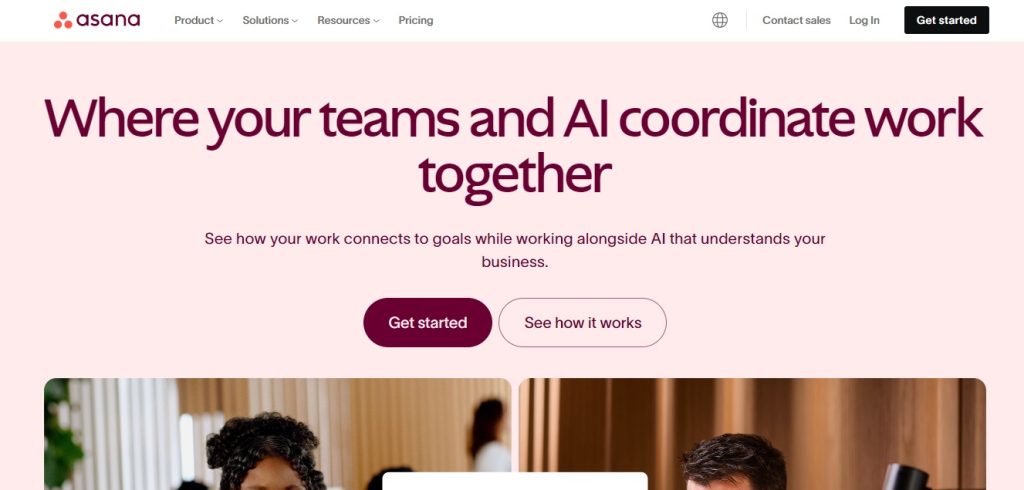
If you’re looking for beginner-friendly project management software that can grow with you, Asana’s beginner guide features are worth exploring. It starts simple—with list and board views—but also offers advanced capabilities like dependencies, workload tracking, and integrations with over 200 apps.
According to Asana’s Anatomy of Work Index, employees spend 60% of their time on “work about work”—tasks like chasing updates or searching for files. Asana reduces this by centralising all project details, freeing up time for actual work.
For new project managers, Asana’s task management tools are especially helpful for:
- Setting priorities and deadlines.
- Tracking progress with visual milestones.
- Coordinating with distributed teams using built-in messaging.
But why choose Asana over other project collaboration tools? Because it’s both simple enough for your first project and powerful enough for when your responsibilities grow.
ClickUp – All-in-One Project and Productivity Platform
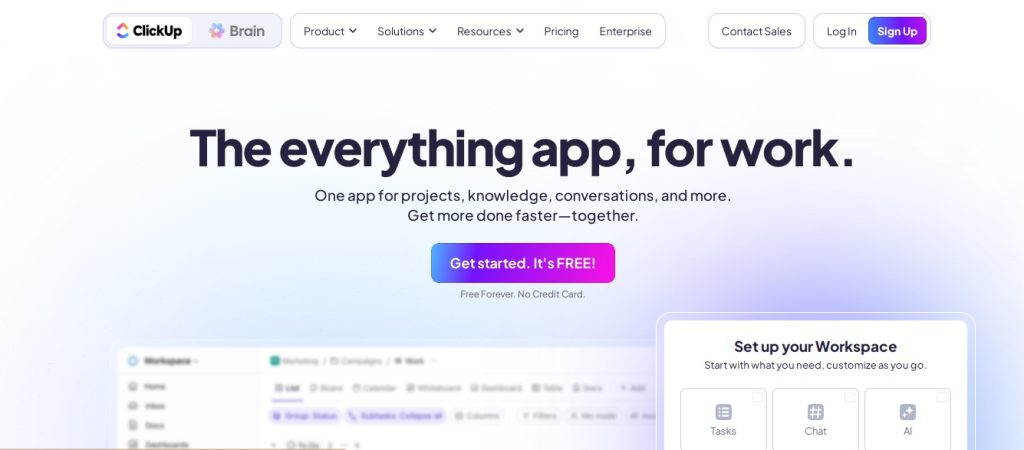
ClickUp has quickly become one of the most popular project management apps for small teams and larger organisations alike, thanks to its “everything in one place” approach. For beginners, it offers pre-built templates, drag-and-drop functionality, and multiple views list, board, Gantt chart so you can work in whatever style feels most comfortable.
According to Capterra, ClickUp ranks among the top 5 fastest-growing project management platforms worldwide, with over 800,000 teams adopting it since 2017. That growth speaks volumes about its versatility and user-friendliness.
For task management tools for new project managers, ClickUp stands out because it combines:
- Project tracking tools for beginners.
- Time tracking and goal-setting features.
- Built-in document collaboration and chat.
Here’s something we can both agree on: having everything in one platform saves beginners from “app overload” and keeps workflows consistent from day one.
Also Read:
Monday.com – Highly Customisable and Team-Friendly
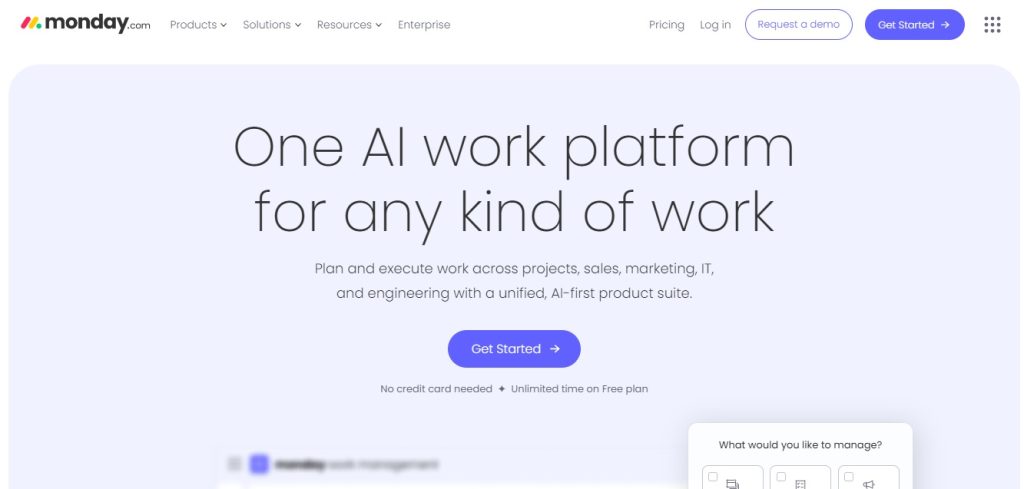
If flexibility is your priority, Monday.com might be the perfect fit. Known for its colourful, intuitive dashboards, it allows you to build workflows tailored to your team’s needs. Beginners love it because you can start with a basic project board and gradually add automation, integrations, and reporting features.
G2 user reviews highlight Monday.com’s 95% customer satisfaction rate for ease of use, making it one of the most beginner-friendly project management software options on the market.
Monday.com also shines as a project collaboration tool by providing:
- Custom status labels for tracking progress.
- Automations that eliminate repetitive updates.
- Integration with tools like Slack, Zoom, and Google Drive for smoother teamwork.
But here’s the kicker: the combination of flexibility, visual appeal, and collaboration capability makes Monday.com not just easy but enjoyable to use, even for first-time project managers.
Also Read:
How to Choose the Right Project Management Tool as a Beginner
Here’s the deal: no single project management app fits every beginner’s needs. The best project management tools for beginners are those that align with your specific project type, team size, and working style.
For example, if you’re handling creative projects, Trello for beginners might be perfect with its visual boards. But if you need structured task dependencies, an Asana beginner guide setup will give you better control.
Software Advice found that 77% of project management software buyers prioritise task tracking as their top feature requirement. That means you should first list the features you can’t live without—such as collaboration tools, reporting, or integration with your existing apps.
Quick Checklist for Beginners:
- Do you need visual boards, lists, or timelines?
- Will you be collaborating with multiple stakeholders?
- Do you require mobile access?
- Is automation a must-have for your workflow?
Considering Scalability for Future Growth
You may be wondering: why think about scalability when you’re just starting out? Simple; your needs will grow as you gain experience. Choosing beginner-friendly project management software that can scale prevents the hassle of switching platforms later.
According to Gartner, 80% of organisations that choose scalable tools reduce future software migration costs. This is why tools like ClickUp and Monday.com are popular—they can start basic and evolve into enterprise-level platforms without losing your existing data.
If you begin with free project management software, ensure it offers affordable upgrade paths for when you need more storage, advanced analytics, or larger team capabilities.
Bottom line? Think long-term. Task management tools for new project managers should help you now but also support your ambitions in two, three, or five years.
Also Read:
- 30 Days to Success: Isi Becomes an AML Analyst After The RKY Careers UK Compliance Bootcamp
- How to Get a Job Without Experience
FAQs on Project Management Tools for Beginners
1. What is the easiest project management tool for beginners to learn?
Trello is often the easiest, thanks to its simple drag-and-drop boards and visual workflow style that’s intuitive even for complete beginners.
2. Are there free project management tools suitable for beginners?
Yes. Options like Trello, Asana (basic plan), and ClickUp offer free project management software with enough features for small projects or new users.
3. How do I choose the best tool for my first project?
Match the tool’s features to your project type, team size, and workflow style, prioritising ease of use and scalability.
4. Do beginners need certification to use project management tools effectively?
No. While certifications can boost your career, most beginner-friendly project management software is designed to be learned without formal training.