AI Workflow Automation Programme by RKY Careers in 2026
AI workflow automation can take hours of repeated administration off your week, but where should you start? Many professionals juggle disconnected tools, missed handovers and endless copying between spreadsheets, emails and forms. Knowing what to automate first matters more than buying another expensive subscription.
In 2026, useful automation skills can strengthen your work, business plans and career options. This guide explains practical systems, beginner-friendly tools, essential safeguards and the training available through RKY Careers. You will discover how to build small, reliable workflows and demonstrate results without becoming a programmer.
AI Workflow Automation Explained: From Repetitive Tasks to Connected Systems
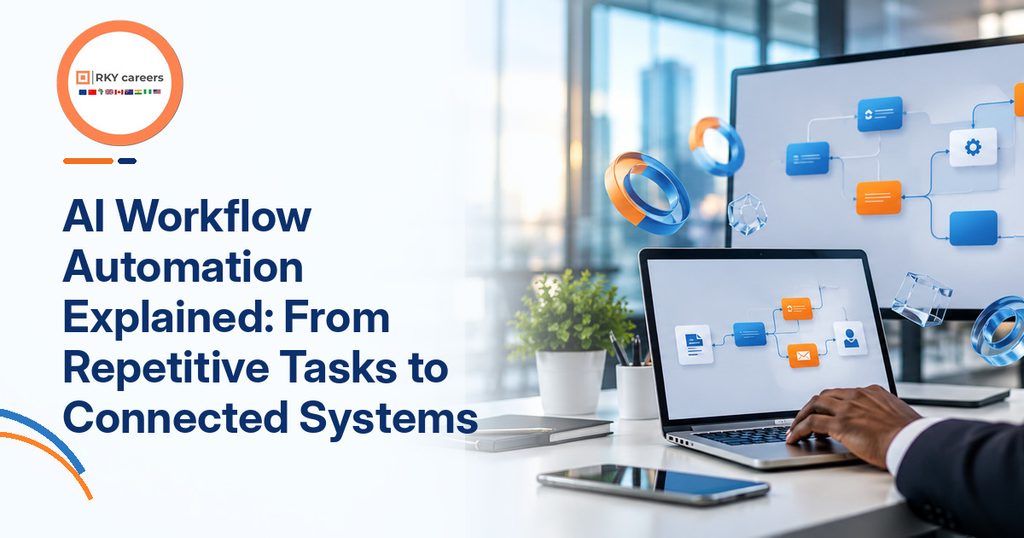
Most frustrating work delays happen between tasks, not necessarily during the tasks themselves. A useful system connects those steps while keeping people responsible for important decisions.
Understanding AI workflow automation begins with separating simple rules from intelligent assistance. Once you see that difference, you can identify worthwhile improvements without unnecessary complexity.
What Changes When You Automate a Workflow?
A workflow is the route a task follows from request to completion. It might begin with a customer enquiry and finish when someone sends an approved reply.
Traditional automation follows defined rules: when a form arrives, create a record and alert its owner. AI adds abilities such as classifying messages, summarising documents and drafting responses from approved information.
The best AI workflow automation combines both approaches instead of expecting AI to run everything. Rules handle predictable actions, while AI helps interpret content that varies from one request to another.
Understand Triggers, Conditions and Human Approval
Most connected workflows use a trigger, an action and a condition. A trigger starts the process, an action performs work, and a condition decides what happens next.
Imagine a booking form arriving after office hours. Your system could classify the enquiry, check whether required fields exist and prepare a response for staff approval.
Look: the final approval is part of the design, not evidence that automation failed. People should review sensitive replies, unusual cases and decisions with financial or legal consequences.
Start With Tasks You Already Understand
You do not need specialist programming skills to learn AI automation without coding. Start with a process you perform repeatedly and understand well enough to explain clearly.
I recommend choosing a task with frequent inputs, obvious success criteria and limited personal information. Examples include sorting internal requests, updating a project tracker or reminding colleagues about missing documents.
Record how long each step takes before changing anything. Otherwise, you may build an impressive-looking workflow without proving that it saves effort or improves accuracy.
Why Businesses Are Paying Attention in 2026
Interest is no longer limited to technology teams and experimental projects. McKinsey’s 2025 global survey found that 88% of respondents reported regular AI use in at least one business function.
However, that finding does not mean most organisations have successfully scaled AI. The same research found many were still experimenting or piloting, showing why careful workflow design matters.
For career changers, this creates a practical starting point. Your knowledge of administration, customer service or operations can help you spot problems that technical teams may overlook.
Also Read:
- RKY Careers AI Tools for Workflow Analysis and Process Mapping in 2026
- AI in Publishing Workflows in 2026: The Automation Program You Need Now
Where AI Automation for Business Creates Everyday Value

The most useful automations solve problems people already recognise in daily work. Start with repetitive handovers, then judge whether AI genuinely improves the outcome.
AI automation for business can support teams across several sectors without replacing their professional judgement. The right use case depends on risk, volume and existing tools.
Administration and Employee Onboarding
Administrative teams often collect documents, update trackers and chase missing approvals. These tasks are repetitive, yet mistakes can delay a new employee or customer for days.
A connected workflow could record an onboarding request, check required fields and remind its owner about omissions. An AI step might summarise a submitted note, but a person should verify its meaning.
To automate repetitive tasks with AI, begin with reminders and status changes before handling private documents. That sequence builds confidence while reducing avoidable exposure to sensitive information.
Sales Enquiries and Customer Support
Businesses lose momentum when incoming enquiries sit unnoticed across several inboxes. AI can help classify requests by topic while automation routes them to the right team.
Here’s an example: a prospective customer submits an enquiry about service availability. A workflow can log the request, prepare a helpful draft and ask a staff member to approve it.
Keep escalation rules for complaints, urgent issues and uncertain answers. Reliable customer service depends on speed and accuracy together, not the number of messages generated.
Content Production and Marketing Coordination
Marketing teams regularly move briefs, images, approvals and reports between disconnected tools. A workflow can create assignments, flag missing assets and notify reviewers when a draft is ready.
AI may suggest summaries or classify campaign feedback, but people should verify claims and approve external content. The RKY Careers guide to AI in publishing workflows explains how those review points protect quality.
Good no-code AI automation does not mean automatic publication of unchecked material. It means fewer lost handovers and a clearer record of who approved each stage.
Reporting and Business Performance Tracking
Reporting often involves copying figures from tools into weekly spreadsheets or presentation slides. Connected processes can collect approved data, refresh summaries and flag missing entries automatically.
AI may explain an unusual movement or suggest questions for an analyst to investigate. However, it must not invent causes, adjust source figures or present guesses as verified findings.
If you are exploring this career route, data analyst responsibilities show why checking source data still matters. I recommend reporting both time saved and corrections needed before declaring a pilot successful.
Also Read:
How to Automate Business Workflows With AI Step by Step

Your first project should be small enough to test safely from beginning to end. The aim is a dependable process, not a demonstration filled with unnecessary features.
Learning how to automate business workflows with AI requires planning before selecting software. These practical stages help you progress from a frustrating task to measurable improvement.
Map the Process Before Choosing Software
Write down what starts the work, who handles each step and what completion means. Include delays, repeated data entry, approvals and exceptions that interrupt the normal route.
Next, choose one problem to solve, such as unanswered enquiries or missing onboarding documents. Compare the current process against a simpler flow with fewer handovers.
RKY Careers’ guide to workflow analysis and process mapping explores this diagnostic stage in more detail. A clear map prevents you from automating a process that should first be simplified.
Build Simple Triggers and Connections
Choose tools that connect the systems you already use, rather than buying several new subscriptions. Platforms such as Zapier, Make and n8n offer visual workflow builders, though features and costs vary.
Start with a trigger and one action, such as sending a task notification after a form submission. Then add a condition that routes incomplete requests back for correction.
A good AI workflow automation course for beginners should explain triggers, permissions and data mapping clearly. These basic concepts matter more than memorising the menus of one platform.
Add an AI Step With Clear Boundaries
After the basic route works, introduce a narrow AI task such as classifying an enquiry. Provide a clear instruction, an approved source and examples of acceptable output.
Ask the system to return structured fields, including the category and a short explanation. Set a fallback route when the result is missing, uncertain or inconsistent with business rules.
If you want to learn AI automation without coding, this approach is manageable and repeatable. You can expand later after demonstrating that the first use case works safely.
Test Failure Cases and Measure Results
Run sample requests containing missing fields, duplicate entries and confusing messages before going live. Check what happens when an integration disconnects or an AI response is wrong.
Track handling time, correction rate, missed enquiries and staff review effort against your starting figures. Then record what changed, where the workflow failed and how you repaired it.
Successful AI workflow automation improves the entire process, not just the speed of one step. Keep a human override and document how to pause the system if something breaks.
Also Read:
AI Productivity Skills That Strengthen Your Career Options

Employers value professionals who understand both daily business challenges and practical technology. You can build that combination without pretending to be an experienced software engineer.
Effective AI workflow automation training should teach analysis, delivery and responsible judgement together. Those abilities transfer into several roles, even when their job titles differ.
Process Mapping and Requirements Gathering
Before building an automation, learn to interview stakeholders and describe their actual problems. Ask who owns the process, which records matter and which outcomes would count as success.
Create a simple flow diagram and list essential requirements, exceptions and approval points. These are valuable skills in business analysis, operations and digital transformation work.
If the field interests you, the business analyst career roadmap provides a useful next step. Process thinking helps you recommend better work methods before reaching for a tool.
Prompting, Data Quality and Connected Tools
Strong prompts define the task, context, acceptable evidence and desired output format. However, checking the answer matters just as much as writing the instruction.
Practise cleaning spreadsheet fields, recognising duplicates and handling missing information. Then learn how connected applications pass values between forms, databases and task trackers.
These AI productivity skills help you diagnose mistakes instead of repeatedly rebuilding a failed workflow. They also support reporting, project coordination and customer operations roles. Practise showing a colleague what data enters each tool, why a decision occurs and how incorrect inputs are handled.
Security, Evaluation and Human Oversight
Automation sometimes handles names, contact details and confidential company records. Therefore, protect access, minimise personal information and avoid placing sensitive material into unapproved tools.
The UK Information Commissioner’s Office guidance offers a practical starting point for assessing AI-related data risks. Likewise, NIST’s AI Risk Management Framework emphasises identifying and managing risks throughout AI use.
I recommend documenting failures, approval decisions and limitations alongside your successes. Employers need professionals who recognise when automation should stop and request human review.
Translate Skills Into Credible Career Evidence
Potential directions include automation specialist, business analyst, implementation consultant and digital project coordinator. Each has different entry requirements, and some positions need further technical or domain training.
PwC’s 2026 AI Jobs Barometer reported a 62% average wage premium for jobs requiring AI skills. That is an overall labour-market finding, not a salary forecast for beginners or a guarantee from training.
Make a portfolio case study showing the original problem, workflow, tests and measured results. Your evidence should demonstrate what you personally designed, checked and improved. If considering an online AI automation program with certificate, ask what working evidence it produces.
Also Read:
Choosing AI Workflow Automation Training That Delivers Practical Learning

Courses vary widely in what they teach, how learners practise and what support follows. Compare these details carefully rather than judging a programme by promotional headlines.
The right AI automation course should connect useful skills with projects you can explain afterwards. It should also suit your background, schedule and intended career direction.
Compare Curriculum Depth Instead of Tool Lists
A course covering many applications may offer little understanding of real business problems. Look for process mapping, prompting, integrations, testing, data protection and clear measures of value.
For workflow automation training, ask whether learners build a complete system and explain its decisions. I would prioritise guided projects and feedback over lengthy software demonstrations.
The project management opportunities guide also shows how coordination skills transfer across industries. This gives context when designing automation around deadlines and stakeholders.
Check Whether Beginner Claims Are Realistic
An AI workflow automation course for beginners should clearly state its entry requirements. Look for basic computer skills, a suitable laptop and an achievable weekly practice commitment.
You may be wondering: do you need advanced coding to begin? Not necessarily, because visual tools can handle many basic workflows, although complex integrations may eventually require technical help.
Check the assessment rules of any qualification before applying. Advertisements do not always distinguish attendance from practical competence.
Ask About Projects, Mentorship and Certification
Choose AI workflow automation training that lets you build, test and document something useful. A portfolio showing decisions and failure checks can explain your abilities more clearly than screenshots alone.
Before paying, ask about live classes, practice labs, feedback, software subscriptions and support arrangements. Also confirm whether any certificate is guaranteed, assessed, accredited or still awaiting final details.
In particular, an online AI automation program with certificate should publish the award’s exact name and conditions. RKY Careers currently says certification and assessment details for its AI bootcamp will be released before enrolment.
Use a Simple Checklist Before Enrolling
The bottom line: the best training choice solves a skills gap you can describe. Compare programmes against a specific work problem rather than an imagined job title.
Check four practical questions before making a commitment:
- Can I explain the business problem this training will help me solve?
- Will I build and test workflows myself, with useful feedback?
- Are the timetable, fees, software costs and certificate terms confirmed?
- Will I leave with evidence that accurately shows my own contribution?
A sensible approach to how to automate business workflows with AI begins with those answers. You should know what you are buying and what independent practice will still be required.
Also Read:
- Step-by-Step Guide on How to Become a Data Analyst in the UK
- How Do You Get Into Project Management? A Practical 2026 Career Guide
Build Real-World Automation Skills With RKY Careers in 2026

Practical confidence comes from creating workflows, testing mistakes and explaining your choices clearly. RKY Careers offers a structured way to practise these skills alongside your existing professional experience.
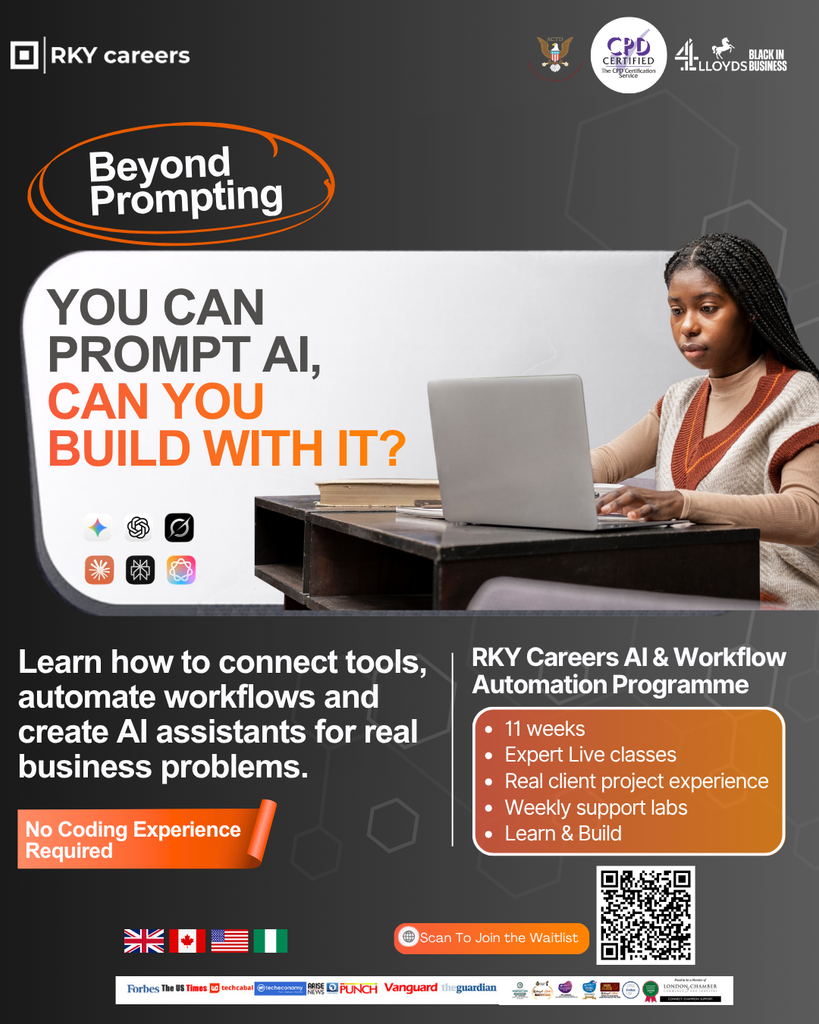
Its AI & Workflow Automation Bootcamp combines live teaching, individual projects and supervised client work. The course welcomes technical and non-technical learners, with no previous coding experience required.
The published programme includes:
- Ten weeks of learning, with eight weeks of live classes and two weeks of supervised client project work.
- Two individual practical projects, weekly support labs and a team assignment based on a real business brief.
- AI prompting, business process improvement, integrations, knowledge assistants, troubleshooting and evaluation of business value.
- Advertised career guidance covering CVs, LinkedIn, interviews and mentorship, with service arrangements confirmed before enrolment.
The official page has not yet confirmed fees, software costs, class times or certificate requirements. It currently invites interested learners to join the waitlist for those details.
AI workflow automation is most valuable when you can show a reliable solution to a real problem. Explore the RKY Careers AI & Workflow Automation Bootcamp and join its waitlist to take the next practical step.