

4 LinkedIn Rules For Job Seekers
LinkedIn Hashtags came into existence in 2018(Gannon, 2020). Since then, one can find job posts on social media platforms like LinkedIn and Instagram using hashtags. The LinkedIn hashtag landscape differs slightly from the other social media platforms with basic rules for job seekers.
Using hashtags on LinkedIn will help you connect with users on the platform who might be interested in your organization and make your material more visible.
This article will go through separate tips and tactics for utilizing hashtags on LinkedIn and some of the rules for job seekers.
See also: 3 Mistakes You Should Avoid When Optimising Your LinkedIn
LinkedIn Job Applications Using Hashtags
1. What are the best practices for using hashtags in LinkedIn posts?
Platforms like Instagram, Facebook and Twitter can give up to 35 hashtags in your posts, whereas LinkedIn encourages you to use only two or three. Therefore, as with any social media marketing tip, it is important to constantly experiment with hashtag placement to see what works best for you and your target audience.
2. How can I locate the appropriate hashtags on LinkedIn?
When you start composing a post, It gives you a few hints by suggesting appropriate hashtags depending on the content of your seat and your previous use of them. It is an excellent place to start; you can also search for your most likely hashtag using the search feature.
3. What are the benefits of using LinkedIn hashtags in my job search?
Hashtags can boost overall visibility and engagement if appropriately used in your postings.
You can also search for job opportunities using hashtags such as #FinanceAnalyst #Intern #BusinessDevelopmentExecutive #Hiring #Recruiting or #Vacancy is an excellent technique to find employment opportunities.
4. Follow LinkedIn hashtags to discover more ideas:
Start by following hashtags related to your profession or the job you applied for. Posts with the hashtags you want to follow in your LinkedIn feed will appear. Your favourites can also be pinned to your homepage. You may begin tracking LinkedIn hashtags in various methods, but the simplest is to add them here. The hashtags you follow on LinkedIn may be seen on the left sidebar of the homepage under the group.
Popular LinkedIn Hashtags:
These hashtags include:
- #Mindfulness
- #Creativity
- #Career
- #Innovation
- #Management
- #Marketing
- #Enterprenuership
How do you make good use of LinkedIn?
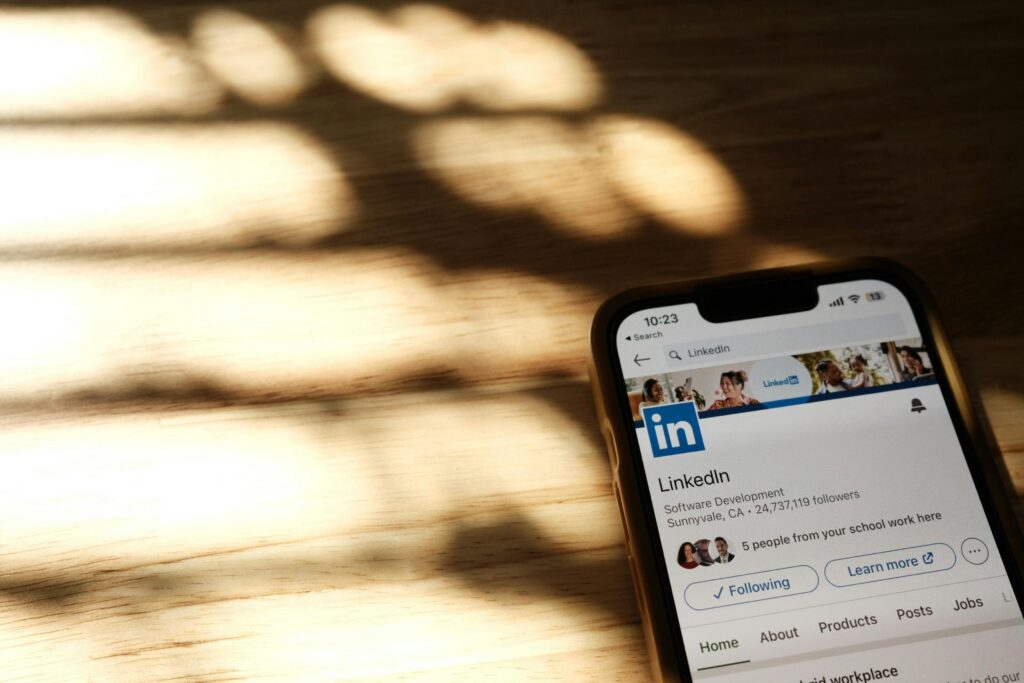
You have the chance to put your name and image in front of hundreds or even thousands of business professionals by using your LinkedIn profile. This is important if you’re looking for work.
But simply having a LinkedIn page is insufficient. You must have a profile that is noticeable, conveys the proper information, and enables connections with professionals that can progress your career. Here are five quick and simple strategies to distinguish your LinkedIn profile following the rules for job seekers:
1. Use the right profile picture for LinkedIn and Add a Background Photo
One image can convey a thousand words. It’s how others come to understand you as a visual entity. It establishes the tone for their initial perceptions. Use a current, official headshot that accurately represents your genuine brand. More than anything else, the right background image helps people remember and share your page.
See also: LinkedIn Profile Optimisation for International Students in the UK: Maximising Your Career Prospects
2. Create an eye-catching Headline
Describe your position, your goals, and the reasons behind your actions. Include words and phrases that are pertinent to you and your career. Think of it as a small advertisement for you. Do not forget to consider your target audience. Are you conversing with other business professionals or hiring managers? For the audience you wish to target, write.
3. Your Summary&Experience
Your summary, which is a more detailed version of your headline, is where you get to tell your own tale. Try to justify the value of your skills and how they can help the people you work with. Describe the problem you’re attempting to solve in more detail. Do your best, experiment with a few edits, and ask some people to read your synopsis. It will take time and work, but this is the most personalized piece of content marketing you will ever generate. Be imaginative and depict your true self as a professional.
4. List relevant skills, Add Links and Media to Your Work Experience
Your summary, which is a more detailed version of your headline, is where you get to tell your own tale. Try to justify the value of your skills and how they can help the people you work with. Describe the problem you’re attempting to solve in more detail. Do your best, experiment with a few edits, and ask some people to read your synopsis. It will take time and work, but this is the most personalized piece of content marketing you will ever generate. Be imaginative and depict your true self as a professional.
5. Seek out recommendations and Make a profile URL
Your professional reputation is built through recommendations. You can ask for recommendations from coworkers, and be sure to include talking points that help frame the narrative you want your profile to convey. Your recommender needs to be aware of your goals for the position as well as the skills and experiences you want them to emphasize. Likewise, make sure your recommendations
You’ll receive an awkward string of numbers as your automatically generated URL when you initially create a LinkedIn profile. A more polished, understandable, name-only URL is much simpler to find, comprehend, and distribute.
Okay, you’ve completed the list. You ought to have all the knowledge required to create a spectacular profile by this point. Now all you have to do is wait for the employment offers to pour in while you relax!

RKY careers provide the best LinkedIn profile optimization services! We help optimize your LinkedIn profile which makes you stand out, so recruiters will contact you.
Check out our other services and contact us now!


One Comment