How to Mass Apply for Jobs on LinkedIn
You have updated your CV, you have set up your LinkedIn profile. Now you are ready to apply, but you are not sure where to start or how to do it efficiently. Learning how to mass apply for jobs on LinkedIn is one of the most practical skills a job seeker can have in today’s competitive market.
When done right, it saves time, increases your visibility, and puts you in front of more recruiters. Done wrong, it wastes weeks of effort with little to show for it.
Why Use LinkedIn for Job Applications?
Here’s the deal: LinkedIn is not just a professional networking site. It is the world’s largest hiring platform, and the numbers prove it.
Over 10,000 job applications are submitted on LinkedIn every minute, and roughly 7 people are hired through the platform every single minute. That level of activity makes LinkedIn an unmatched tool for any LinkedIn job search strategy.
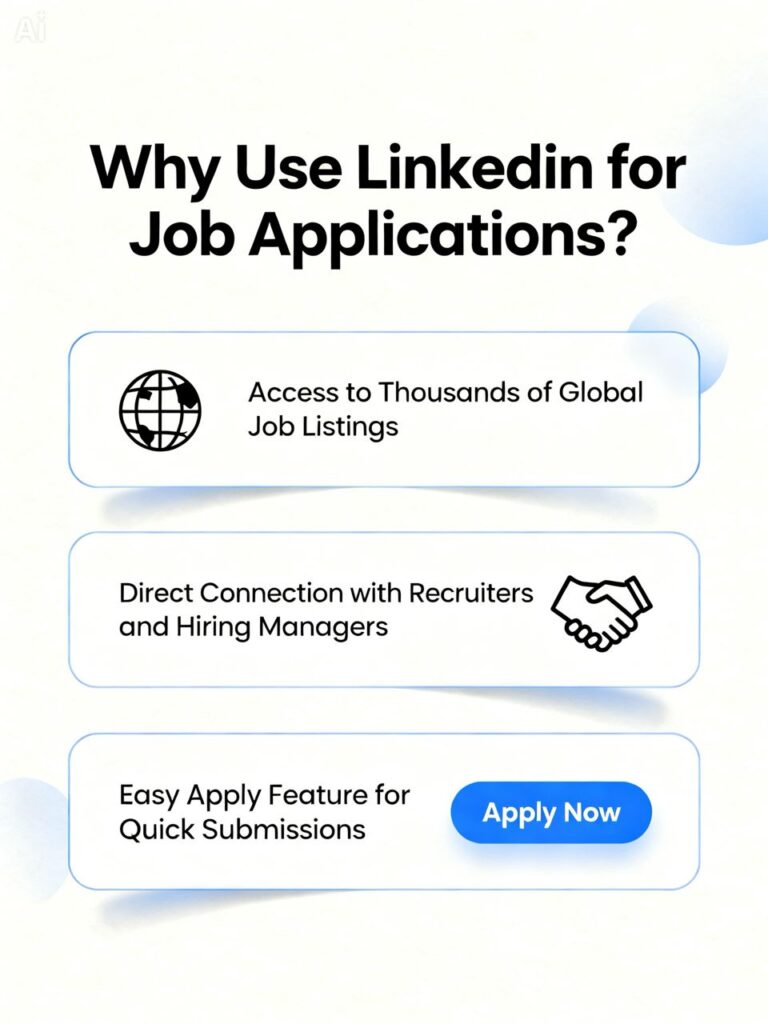
Access to Thousands of Global Job Listings
LinkedIn lists over 14 million open jobs at any given time. Whether you are looking for roles in the UK, globally, or specifically in tech, finance, or healthcare. The platform covers virtually every industry and experience level.
Now: this scale matters because it means you can target niche roles, remote positions, and high-demand careers all in one place.
Direct Connection with Recruiters and Hiring Managers
Around 95% of active recruiters use LinkedIn daily to scout candidates. That is an extraordinary reach. Applying on LinkedIn does not just submit your CV, it puts your full professional profile in front of decision-makers in real time.
Easy Apply Feature for Quick Submissions
LinkedIn’s Easy Apply button lets you apply to roles without leaving the platform. For job seekers who want to apply to multiple jobs on LinkedIn quickly, this is a game-changer.
What Is Mass Applying on LinkedIn?
But what is mass applying on LinkedIn, exactly?
Definition and How It Works
Mass applying simply means submitting applications to a large number of jobs in a short period, typically using LinkedIn’s Easy Apply feature to accelerate the process. Rather than spending hours on one application, you use smart tools and templates to send out multiple applications efficiently.
Think of it as a volume strategy, increasing the number of doors you knock on so more of them open.
Pros and Cons of Applying to Multiple Jobs Quickly
Let me explain the full picture before you dive in:
| Pros | Cons |
| More chances to land interviews | Risk of sending generic applications |
| Faster exposure to recruiters | Easy to lose track of responses |
| Useful in a competitive market | May apply to irrelevant roles |
| Builds momentum and confidence | Can damage your brand if poorly done |
The bottom line? Quantity without quality is noise, while quality without quantity is too slow. The real goal is both and this guide shows you exactly how to achieve that.
Read Also:
- Turning Your LinkedIn into a Job Magnet in 2026
- Personal Branding for Job Seekers: What Matters Most in 2026
Step-by-Step Guide to Mass Applying for Jobs on LinkedIn
Here is exactly how to mass apply for jobs on LinkedIn, the smart way.
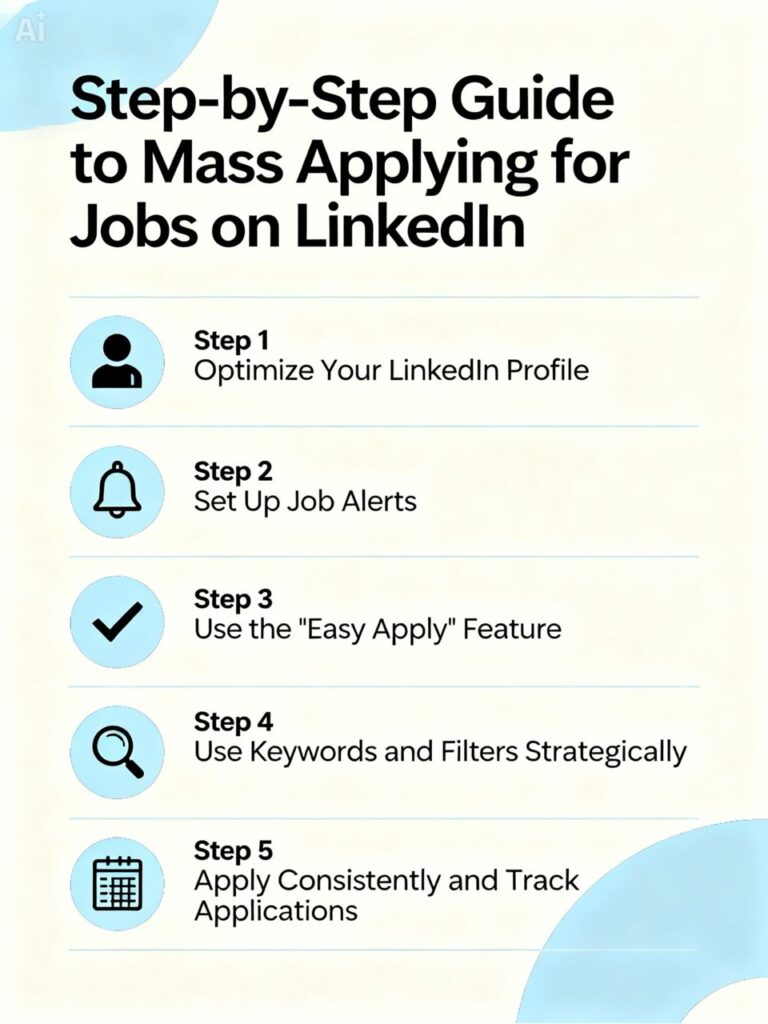
Step 1: Optimise Your LinkedIn Profile
Before you send a single application, your profile must be ready. Here’s why this matters: candidates with a comprehensive LinkedIn profile have a 71% higher chance of getting a job interview. Optimised profiles are also 40 times more likely to receive opportunities overall.
Use a clear headline and keyword-rich summary
Your headline is the first thing recruiters see. Include your job title, key skills, and a value statement.
For example: “Data Analyst | Power BI | Turning Data into Business Decisions.” Keep it specific and searchable.
Your summary should tell your professional story. Use first person, highlight key achievements, and include the job titles you are targeting.
Add relevant skills and experience
Profiles with skill endorsements receive 17 times more recruiter views than those without. Add at least 10–15 relevant skills and ask colleagues or mentors to endorse them.
Also, fill in every section, work history, education, certifications, and a professional photo. Profiles with photos receive up to 21 times more profile views.
Step 2: Set Up Job Alerts
Now: once your profile is ready, stop manually searching every day. Set up automated job alerts instead.
Use filters (location, remote, experience level)
Go to LinkedIn’s Jobs tab. Search for your target role and apply filters: location, industry, job type (full-time, contract), and experience level. Then click “Set Alert” to get notified of new matching roles.
Get notified of new job postings instantly
New roles get the most applications in the first 24–48 hours. Setting alerts ensures you are among the first to apply, before the queue grows long.
Step 3: Use the “Easy Apply” Feature
This is the engine behind knowing how to mass apply for jobs on LinkedIn at scale.
Apply quickly to multiple roles
Look for roles with the blue “Easy Apply” button. These allow you to submit your LinkedIn profile and CV without navigating to an external site. You can apply to dozens of roles in a single session.
Keep your CV updated for fast submissions
Upload an ATS-optimised CV to your LinkedIn profile. Update it regularly. This CV will be sent with every Easy Apply submission, so it must be clear, keyword-rich, and current.
Read Also:
Step 4: Use Keywords and Filters Strategically
Here’s one mistake I see constantly: people search too broadly. Broad searches waste time and produce irrelevant results.
Search by job title, skills, and industry
Instead of searching “marketing,” search “Digital Marketing Manager – London – Remote.” Use Boolean logic where helpful: “data analyst” AND “Power BI” pulls more targeted results.
Focus on high-demand roles
LinkedIn’s data shows significant demand growth in healthcare, tech, retail, and logistics roles. Use the platform’s “Jobs on the Rise” feature to identify which roles are gaining traction right now.
Step 5: Apply Consistently and Track Applications
Bold promise? Definitely. But consistency is the real secret behind any successful LinkedIn job application guide.
Set a daily application target (e.g. 10–20 jobs)
Commit to a number. Ten to twenty applications per day is a manageable target. More than that risks quality dropping. Fewer than that slows momentum.
Track responses and follow-ups
Use a simple spreadsheet to log every application. Track the role title, company, date applied, and any follow-up actions. This keeps you organised and stops you from losing track of promising opportunities.
Tools and Hacks to Apply Faster on LinkedIn
Let me explain some tools that make the process smoother.
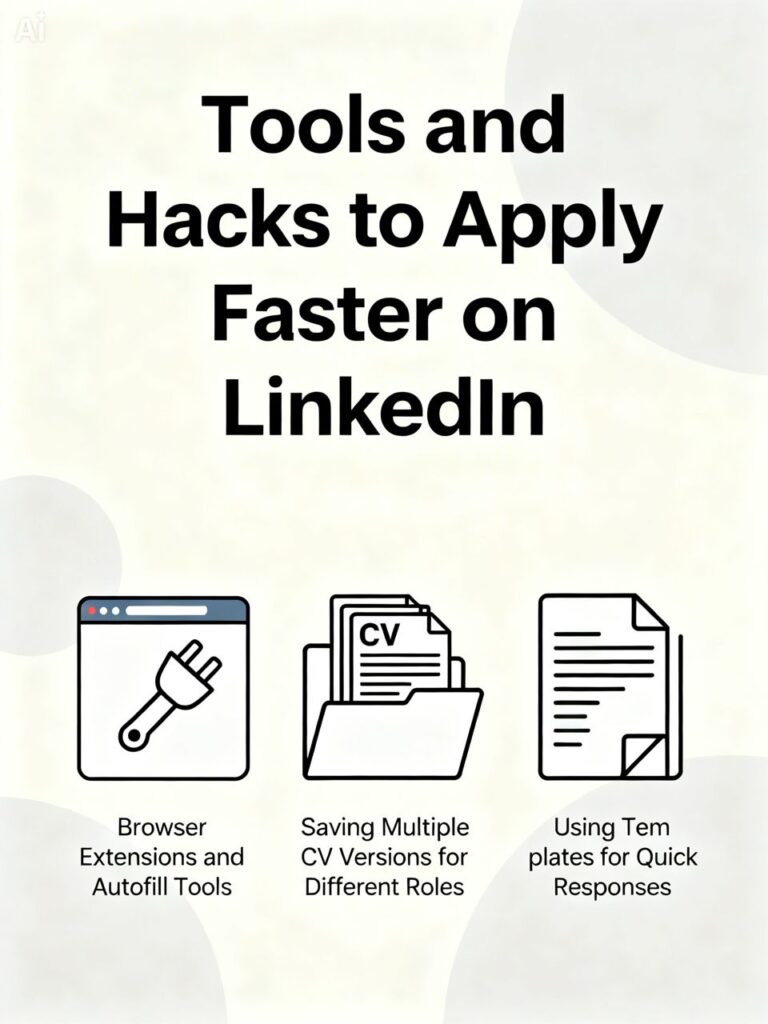
Browser Extensions and Autofill Tools
Extensions like Magical or Simplify Jobs autofill repetitive form fields when applying to multiple roles. This cuts application time significantly without sacrificing quality.
Saving Multiple CV Versions for Different Roles
Do not use one CV for every role. Create two or three tailored versions, for example, a data analyst version, a project manager version, and a business analyst version. Keep them all uploaded and ready.
Using Templates for Quick Responses
Draft three or four message templates for follow-up messages to recruiters. Personalise the first two lines, but keep the structure consistent. This lets you reach out quickly without starting from scratch each time.
Mistakes to Avoid When Mass Applying
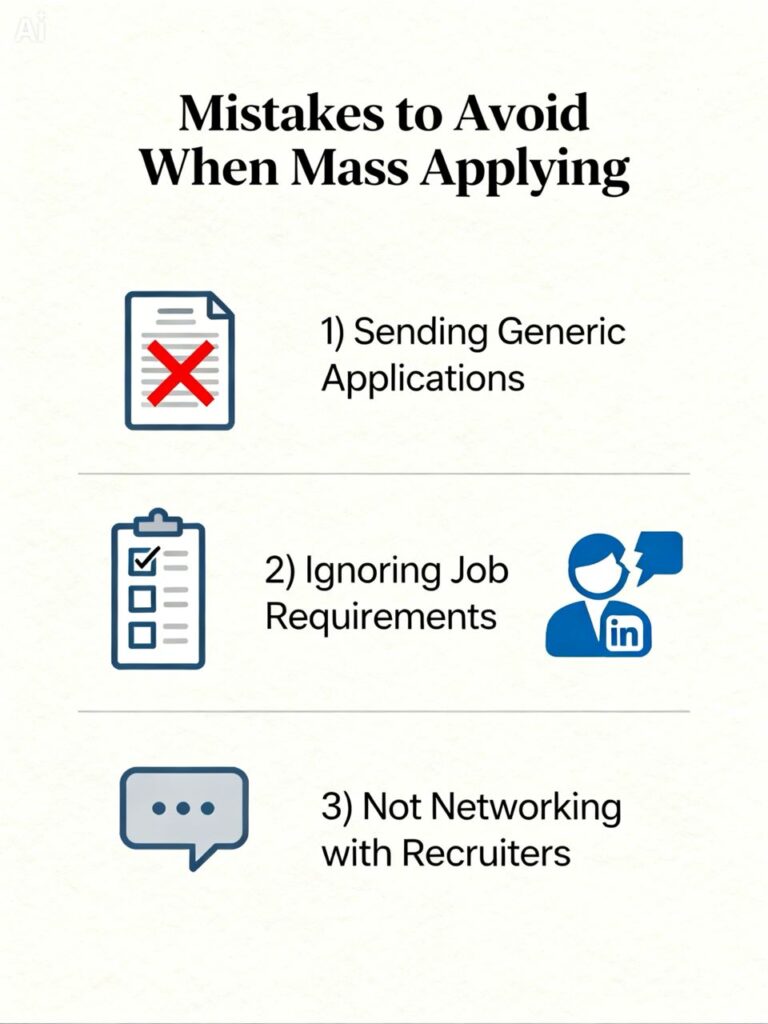
This is crazy: many professionals sabotage their own LinkedIn job application guide by repeating the same avoidable mistakes.
Sending Generic Applications
Using the same CV and message for every single role tells recruiters you are not serious. Even small tweaks, a different opening line, a relevant skill added to the top can significantly improve your response rate.
Ignoring Job Requirements
Applying to roles where you meet fewer than 60% of the requirements wastes your time and theirs. Focus on roles where you meet at least 70–80% of what is listed. Quality targeting beats blind volume every time.
Not Networking with Recruiters
Here’s the kicker: sending an application without any connection is one missed step. Message the recruiter or hiring manager on LinkedIn after applying. A brief, professional note “I have just applied for [role] and would love to connect” makes a lasting impression.
Read Also:
How to Increase Your Chances While Applying in Bulk
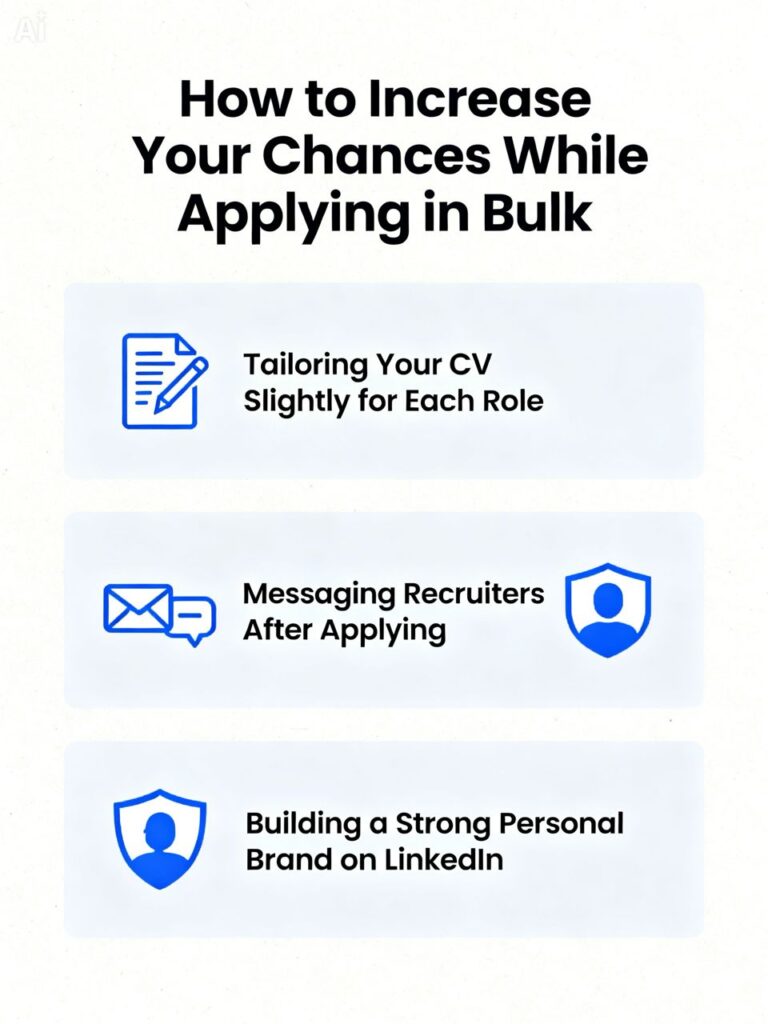
Now: volume is only half the equation. Here is how to improve quality at the same time.
Tailoring Your CV Slightly for Each Role
You do not need to rewrite your entire CV for every application. Instead, adjust your professional summary and the first two bullet points under each role. Mirror the language used in the job description. This small effort significantly improves your match with ATS (Applicant Tracking Systems).
Messaging Recruiters After Applying
After submitting an Easy Apply application, find the recruiter or hiring manager on LinkedIn. Send a short connection request with a note: “Hi [Name], I have just applied for the [role]. I am very keen on this opportunity and would love to connect.” This keeps you visible and shows initiative.
LinkedIn InMail achieves response rates of 18–25%, compared to just 1–5% for cold emails. That is a significant advantage, use it.
Building a Strong Personal Brand on LinkedIn
Your profile is not just a CV, it is your personal brand. Post regular updates, share insights from your industry, and engage with content in your field. According to LinkedIn data, staying active boosts your chances of getting noticed by recruiters by 75%. A visible, credible presence makes every application you send more compelling.
Read Also:
Are you applying to dozens of jobs but hearing nothing back? RKY Careers helps professionals like you build a standout LinkedIn presence, craft ATS-winning CVs, and develop the career strategy that gets you hired. With 1,500+ success stories and a personalised approach to career development, we do more than coach, we transform careers.
Book a Free Career Consultation
Is Mass Applying on LinkedIn Effective?
You may be wondering: does this strategy actually work? Yes, but with important conditions attached.
When It Works Best
Mass applying works best when:
- Your LinkedIn profile is fully optimised and keyword-rich
- You are applying to roles that match your skills at 70–80% or above
- You follow up with recruiters after each application
- You track every application and respond quickly when contacted
LinkedIn’s Easy Apply feature works most jobs on the platform use it, and 87% of recruiters actively use LinkedIn to review and shortlist candidates.
Combining Quantity with Quality for Better Results
The most successful job seekers combine both approaches. They apply to 10–20 roles per day using Easy Apply, but they also take five minutes to customise each CV slightly, send a follow-up message, and engage with the company’s LinkedIn page.
That combination, volume plus personalisation, is what separates candidates who land interviews from those who wait endlessly for replies. It is the core principle behind a strong apply multiple jobs LinkedIn strategy. And ultimately, it is what makes learning how to mass apply for jobs on LinkedIn genuinely worth your time.

With countless success stories borne from years of expertise, prioritisation of client success and expert professionals; Rky Careers LinkedIn optimisation service is a mist have for your next career breakthrough.
Frequently Asked Questions
Can I apply to multiple jobs on LinkedIn at once?
Yes, you can apply to multiple jobs on LinkedIn using the Easy Apply feature. This button lets you submit applications without leaving the platform. You can apply to many roles in a single session. However, each application should still use an updated CV and ideally a tailored professional summary for best results.
How many jobs should I apply for daily on LinkedIn?
Applying to 10–20 jobs per day on LinkedIn is a realistic and manageable target. This balances quantity with quality. Going beyond 20 increases the risk of sending generic applications. Set a daily target, track your submissions, and follow up with recruiters. Consistency over time produces better results than sporadic bursts.
Does LinkedIn Easy Apply increase chances of getting hired?
LinkedIn Easy Apply increases your access to more roles quickly, which raises your chances statistically. However, Easy Apply alone does not guarantee responses. Pair it with a fully optimised profile, a tailored CV, and recruiter follow-ups. Used correctly, it is one of the most powerful tools in any LinkedIn job search strategy.
Is mass applying a good job search strategy?
Mass applying is a good strategy when done with intention. It helps you cast a wider net across more opportunities. The key is combining volume with relevance, targeting roles where you meet most requirements and personalising each application slightly. Used alongside strong networking, it significantly accelerates your job search timeline.
How do I stand out when applying to many jobs?
Standing out while applying at volume requires a strong LinkedIn profile, a tailored CV for different role types, and proactive recruiter outreach after every application. Engage with company pages, comment on industry posts, and build credibility through regular content. Your visibility and personal brand make every application more compelling than a blind submission.