RKY Careers AI Tools for Workflow Analysis and Process Mapping in 2026
AI tools for workflow analysis and process mapping can reveal why work keeps getting stuck. Perhaps approvals crawl through inboxes while customers wait and staff repeat the same steps daily. Without a clear process map, even managers can struggle to identify the underlying problem.
In 2026, AI can help you visualise tasks, examine delays and test smarter ways of working. However, choosing software without understanding the workflow can create problems instead of solving old ones. This guide compares useful tools, demonstrates a method and shows you how to build skills.
From Confusing Workflows to Clear Process Maps
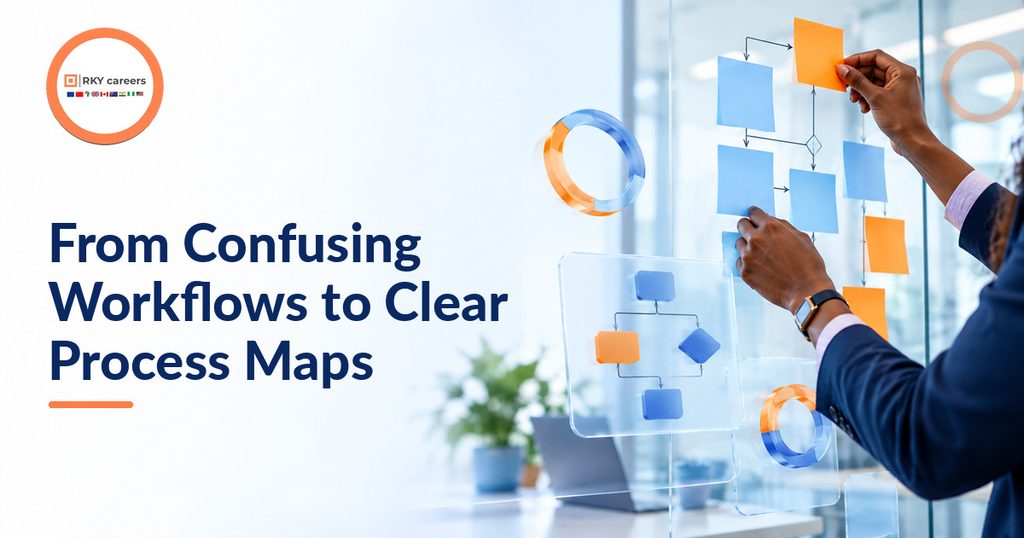
A workflow becomes difficult to improve when nobody sees the journey from start to finish. AI Tools for workflow analysis and process mapping help make that journey easier to describe and investigate.
However, a colourful diagram alone cannot tell you whether a process works well. You also need reliable evidence, ownership and reasons to change.
Understand the Difference Between Mapping and Analysis
Process mapping shows the steps, decisions and people involved in completing a task. Analysis asks where that process wastes time, creates errors or frustrates customers.
Consider an employee onboarding process: HR requests documents, managers approve access and IT creates accounts. The map shows ownership, while analysis explains a three-day delay.
Traditional business process mapping tools let you draw this manually. AI can draft diagrams from written instructions, summarise interviews and suggest questions worth investigating.
Its suggestions remain hypotheses until staff confirm them. A credible analyst separates what colleagues say should happen from what actually happens.
Recognise What AI Can and Cannot Discover
AI process mapping software varies widely. Some products generate flowcharts; process mining platforms reconstruct paths from system records.
Look: a diagram generator can illustrate your description, but it cannot prove that staff follow it. You need timestamps, records or direct observation to investigate behaviour.
Microsoft explains that process mining uses event data to show how work actually moves. That distinction prevents misleading evidence. AI Tools for workflow analysis and process mapping are most useful when you match each product to the question you need answered.
Learn the Building Blocks of a Useful Map
Begin with a trigger, such as receiving an invoice, and an ending, such as confirming payment. Record activities, teams, handovers, decisions and exceptions.
Use rectangles for tasks, diamonds for decisions and arrows to show direction. A swimlane diagram adds separate lanes for teams, making ownership and cross-team delays easier to see.
For workflow mapping for beginners, plain wording beats decorative notation. Name actions clearly, such as “Check invoice details”, rather than writing vague labels like “Finance”.
Ask staff about unusual cases, not just perfect ones. Rejected documents, missing details and urgent requests often expose the workflow’s most costly weaknesses.
Understand Why the Skill Matters in 2026
AI adoption does not automatically mean effective redesign. McKinsey’s 2025 survey found that 88% of respondents reported AI use in at least one business function.
The same survey found that only 7% reported fully scaled AI use across their organisations. Professionals who connect technology to measurable improvements solve a real problem.
You do not need to replace existing teams or automate every task. I recommend starting with one repeated process and making its weak points visible before buying more software.
Also Read:
- Tech Career Pivot Series II: Complete Business Analyst Guide
- How to Become a Business Analyst UK: A Practical Roadmap
Best AI Tools for Mapping Business Processes in 2026
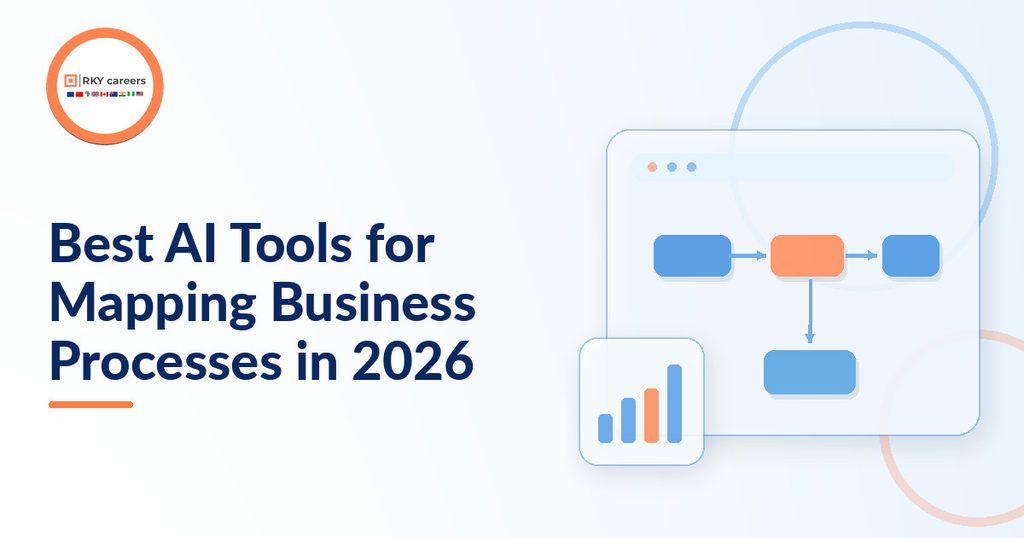
Your software choice depends on diagrams, system-log evidence or automated actions. AI Tools for workflow analysis and process mapping do not all perform the same job.
Therefore, I recommend comparing functions before comparing prices or brand popularity. Check your data access, team, skills and security requirements carefully.
Miro AI and Lucidchart for Visual Collaboration
Miro’s AI flowchart generator turns text instructions into editable diagrams on a shared canvas. It suits workshops where colleagues refine a flow together.
Lucidchart’s AI flowchart generator also converts descriptions into diagrams and allows subsequent edits. It supports structured documentation and collaboration.
For example, describe an order moving from checkout through payment checks to dispatch. Ask staff to identify missing branches and handovers.
Both are helpful starting points among business process mapping tools. Neither proves actual processing times without supporting data.
Microsoft Power Automate for Evidence and Action
Microsoft Power Automate combines process mining with automation. Its Copilot for process analytics can answer natural-language questions about imported process information.
This helps you trace delays and assess automation. For instance, an approvals team could investigate repeated rework before designing a reminder or routing flow.
Access depends on environment, permissions, region and licensing. Check requirements before promising a feature will work. AI Tools for workflow analysis and process mapping become more useful when insights can lead to tested changes, rather than another unused report.
SAP Signavio and UiPath for Complex Processes
SAP Signavio’s AI-assisted modeller can create editable BPMN diagrams from written process descriptions. BPMN is a standard way to represent more detailed business processes.
UiPath Process Mining can compare real execution paths with a reference process model. Such comparisons help reveal unexpected steps, skipped activities and compliance concerns.
These platforms suit complex, repeated workflows with sufficient data. They require preparation, so beginners should learn the concepts first.
Compare Tools by the Problem You Need to Solve
The best AI tools for mapping business processes are those that fit your specific stage. A beginner creating a first draft has different requirements from a team analysing thousands of transactions.
| Tool | Most Useful For | Important Consideration |
|---|---|---|
| Miro AI | Workshop flowcharts and collaboration | Check human accuracy |
| Lucidchart AI | Structured, editable diagrams | Verify decision paths |
| Power Automate | Process insights and automation | Data, licences and access |
| SAP Signavio | Formal process models | Setup and modelling skills |
| UiPath Process Mining | Actual paths and conformance | Event data quality |
Pricing, availability and permissions can change. Therefore, test a realistic sample rather than choosing from a feature list alone.
Also Read:
- Landing Your First Business Analyst Role
- Business Analyst Scenario-Based Interview Questions and Answers
How to Use AI for Workflow Analysis: A Practical Example
You can learn how to use AI for workflow analysis without costly software. Consider a small recruitment team that repeatedly loses time arranging interviews.
AI Tools for workflow analysis and process mapping can help document its current approach and design improvements. This example is fictional, not a real organisation’s measured results.
Step 1: Define the Process and Speak to Its Owners
Ask why scheduling takes so long after shortlisting. Define the process from approval to confirmed invitation.
Ask recruiters, managers and coordinators to describe their steps. Explore unavailable managers, declined slots and missing details.
First, collect trustworthy input before prompting a model. Replace names and personal details with fictitious information during early experiments. Record assumptions separately rather than treating guesses as facts.
Step 2: Create an Accurate First Draft
Enter this fictional workflow into an approved AI diagramming tool: “Recruiter requests availability; manager replies; coordinator offers slots; candidate selects a slot; coordinator confirms.” Request swimlanes, decisions and paths for missing replies. Review each box with its owner.
Here’s an example: a hiring manager may approve a date but not the interview panel. That missing step explains a repeated handover.
AI drafts quickly, but human validation makes it dependable. Save this version as the current-state or “as-is” map.
Step 3: Collect Timing Evidence and Investigate
Record anonymised request, response, follow-up and confirmation times. If systems already record those events, extract them only with proper organisational permission.
UiPath’s event-log guidance explains how process records connect activities to a case identifier. Without case histories, averages can hide repeated loops.
For example, one fictional record might show an availability request on Monday and a response on Wednesday. Compare that delay with other cases to see whether the pattern repeats.
Calculate stage waiting times before asking AI to summarise patterns. Ask which steps have the longest median delays and which cases need rework.
Verify calculations yourself. An AI summary is not a substitute for clean data or a sound comparison.
Step 4: Design, Test and Document the Improved Flow
Suppose managers frequently miss availability requests. Trial an approved booking link, form or next-day reminder.
Map the proposed “to-be” process and document who owns each decision. Keep human review for conflicts and sensitive exceptions.
Do you want to know the best part? A useful project can remain small enough to finish and explain. Save the problem, revised map, test results and measured changes.
You can learn business process mapping online in 2026 through fictional examples like this. It also introduces AI business process automation without blindly automating decisions.
Also Read:
- Data Analyst Responsibilities: What Does a Data Analyst Do?
- Step-by-Step Guide on How to Become a Data Analyst in the UK
Find Workflow Bottlenecks Before Automating Them
Use your current-state map to find delays and rework. AI Tools for workflow analysis and process mapping can help prioritise those investigations.
Not every delay is a failure, and speed is not always the goal. Approval checks, safety reviews and legal controls may protect people and organisations.
Identify Queues, Rework and Repeated Handoffs
Useful AI tools to find workflow bottlenecks connect delays to activities. Watch for long queues, repeat approvals, duplicate entry and work that returns to earlier stages.
For example, an invoice may move from purchasing to finance three times because supplier details are incomplete. Removing one handoff might matter more than making each email slightly faster.
Use the map to investigate what causes repetition. Confirm findings through records and interviews. In other words, use AI tools to find workflow bottlenecks, then investigate causes rather than blaming staff.
Track Measures That Reveal the Real Problem
Define measures before changes to establish a baseline. Workflow analysis tools help, but define each measure consistently.
- Cycle time: elapsed time from the beginning to the end of a case.
- Waiting time: time a case spends between active steps.
- Rework rate: share of cases sent backwards or repeated.
- First-time completion: share completed without corrective work.
Suppose fictional onboarding takes five days, including four waiting. Automating a ten-minute form barely helps if approvals remain stuck.
Instead, examine queue rules, capacity and ownership. This is how process improvement with AI becomes a measurable business decision.
Test Changes Without Hiding Risk
List potential side effects before changing live workflows. A faster approval route might also increase mistakes if it removes essential checks.
Pilot an improvement and compare similar cases over several weeks. Track error rates, customer experience and staff workload alongside speed.
The bottom line: AI Tools for workflow analysis and process mapping help locate promising changes, but they cannot guarantee positive outcomes. Retain a human decision-maker for exceptions and any action with significant consequences.
Protect Data and Keep an Audit Trail
Process records can expose personal information, performance patterns and commercially sensitive details. Consequently, never upload real customer files or employee activity logs into unapproved public tools. The UK Information Commissioner’s Office guidance on AI and data protection explains the need for lawful handling, safeguards and risk assessment when AI uses personal data.
Use data minimisation, role-based access, clear retention rules and documented approvals. Keep the original map, changed version, assumptions, tests and the reasons behind decisions. That record helps colleagues trust your recommendations and makes future reviews much easier.
Also Read:
Build Process Mapping Skills That Employers Can See

Software knowledge matters, but employers value solutions to business problems. AI Tools for workflow analysis and process mapping work best alongside analysis, communication and sound judgement.
Build those strengths through small projects rather than unrelated certificates. Show how evidence supports a responsible recommendation.
Follow a Beginner-Friendly Learning Sequence
To learn business process mapping online in 2026, start with fundamentals. Learn swimlanes before advanced BPMN or event-data pipelines.
Practise interviewing stakeholders and comparing expectations with evidence. Draft a map with AI, then correct its omissions.
Learn spreadsheet analysis and measures such as cycle time. Test improvements and explain risks, costs and outcomes. This sequence develops skills that transfer between sectors and software products.
Try mapping a purchase request, a customer complaint or a booking process from beginning to end. Each example exposes different decisions and stakeholder responsibilities.
Create a Portfolio Case Study With Evidence
Employers need reasoning, not just screenshots. Build a portfolio project with a clear business question, an as-is map, baseline measures and a proposed to-be map.
Explain stakeholder feedback, alternatives and retained controls. Label fictional or anonymised data clearly.
Record a brief walkthrough of your decisions. This connects your work to business analyst career preparation and practical interviews. A simple, credible example beats an unexplained complex diagram.
Avoid the Mistakes That Weaken AI Projects
The best AI tools for mapping business processes cannot rescue a poorly defined goal. Common errors include mapping an imagined ideal process, ignoring unusual cases and reporting AI predictions as measured facts.
Another mistake is automating broken approvals without questioning them. That can merely accelerate the same problem. Use this checklist before presenting your work:
- Has a process owner confirmed the map?
- Are data sources, assumptions and sample limits clear?
- Have you measured the baseline and tested exceptions?
- Are privacy, access and human-review safeguards documented?
These checks make your recommendations more credible and easier to implement. They also prepare you to explain how a proposed change could fail.
Connect Your Skills to Real Career Directions
A process mapping course with AI tools can support development towards business analysis, operations improvement, automation coordination and project delivery. It can also help professionals already working in administration, customer service or operations document improvements they have delivered. Requirements vary, and mapping alone cannot qualify you for specialist roles.
The World Economic Forum estimates that 39% of workers’ existing skills will change or become outdated between 2025 and 2030. This makes applied learning valuable.
You can explore 10 Tech Skills to Learn in 2026 for Career Growth when planning complementary skills. Choose one problem and learn the tools needed to solve it.
Also Read:
- 10 Tech Skills to Learn in 2026 for Career Growth
- Project Management Technical Interview Questions And Answers
Learn AI Workflow Automation With RKY Careers

A clear process map is a strong start, but practical implementation requires further skills. RKY Careers’ AI & Workflow Automation Bootcamp brings process improvement, AI prompting and workflow building into one learning pathway.
It is designed for professionals with technical or non-technical backgrounds and basic computer skills. This process mapping course with AI tools connects workplace experience to practical automation projects and supervised feedback.
The RKY Careers AI & Workflow Automation Bootcamp currently describes a ten-week format, including eight weeks of live teaching and a two-week supervised client project. Its published curriculum covers:
- AI foundations, practical prompting and output checking.
- Business process improvement and workflow mapping.
- Workflow automation, integrations and AI assistants.
- Testing, troubleshooting, implementation and business value.
Learners are also offered individual projects, weekly support labs and career guidance, including CV, LinkedIn and interview preparation. Check the official page for the latest dates, software requirements, costs and availability before enrolling.
AI Tools for workflow analysis and process mapping are most valuable when you can apply them responsibly. If you are ready to turn diagrams into tested workplace solutions, explore the RKY Careers bootcamp and join the waitlist.